The "ClickFix" Deception: Don't Let a Fake Captcha Root Your PC
A dangerous new social engineering tactic is sweeping the web, targeting users with a sophisticated deception known as "ClickFix". This threat disguises itself as a routine security check—a "verify you are human" captcha—but instead of clicking images of traffic lights, it tricks you into running a command that hands over control of your computer to attackers.
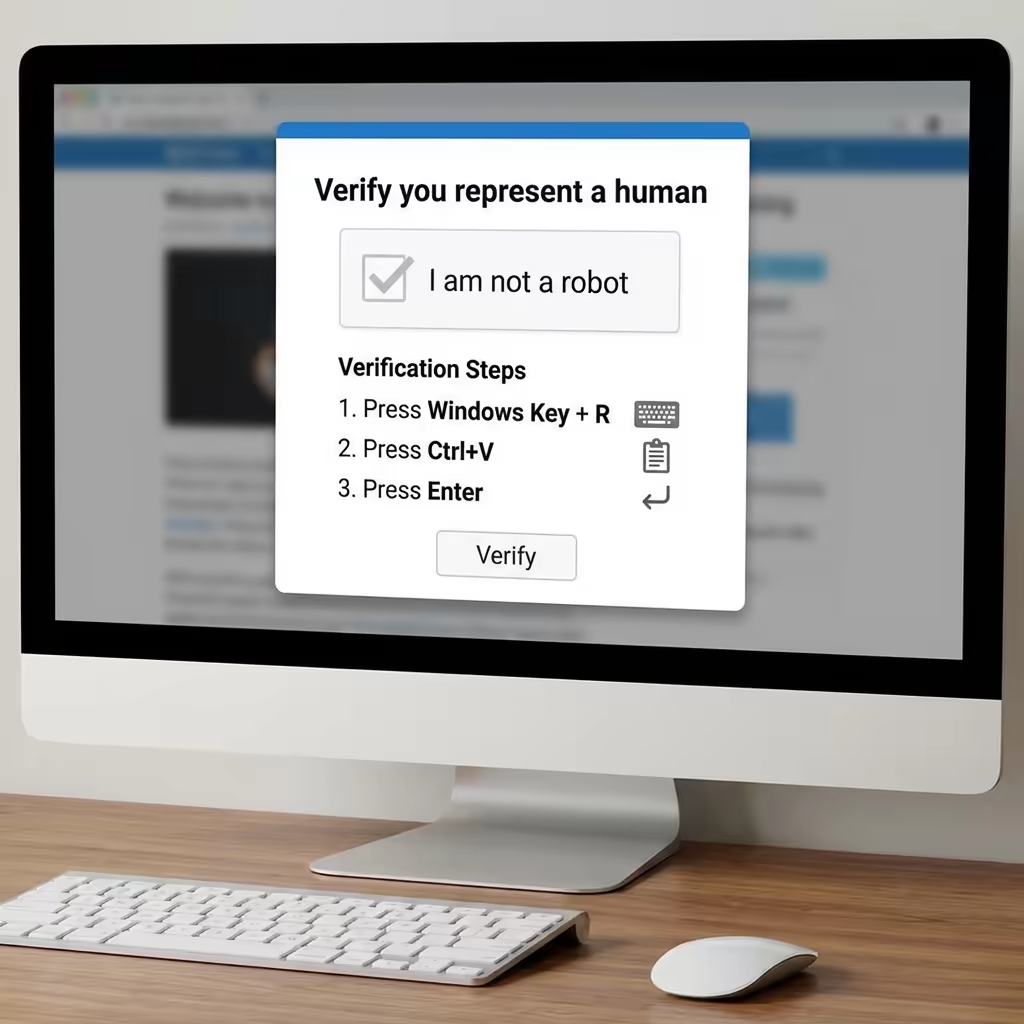
The Trap: "Verify You Are Human"
You're browsing a website, perhaps looking for a download or streaming a video, when a popup blocks your view. It looks legitimate, often mimicking Google's reCAPTCHA or a generic browser security alert. It asks you to verify you're human to continue.
But unlike a real captcha, this one doesn't ask you to solve a puzzle. Instead, it presents a set of strange instructions:
- Press Windows Key + R
- Press Ctrl + V
- Press Enter
It might claim this "verification step" will copy a "Captcha Hash" to verify your identity.
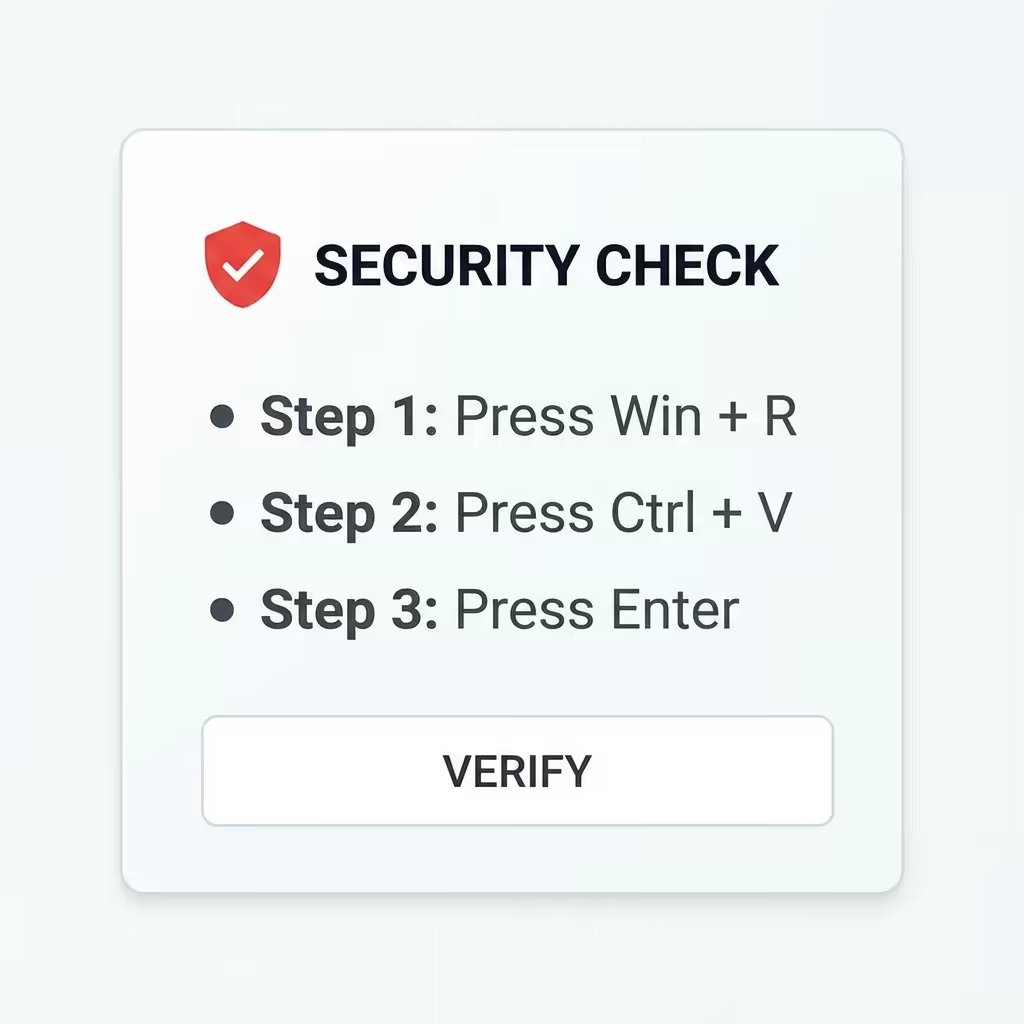
What Really Happens?
If you follow these steps, you aren't verifying your identity. You are manually bypassing your computer's security protections.
- Win + R opens the Windows "Run" dialog, a powerful tool for executing commands.
- The "Copy" button you clicked earlier didn't copy a hash; it copied a malicious PowerShell script.
- Ctrl + V pastes this malicious script into the Run box.
- Enter executes it immediately.
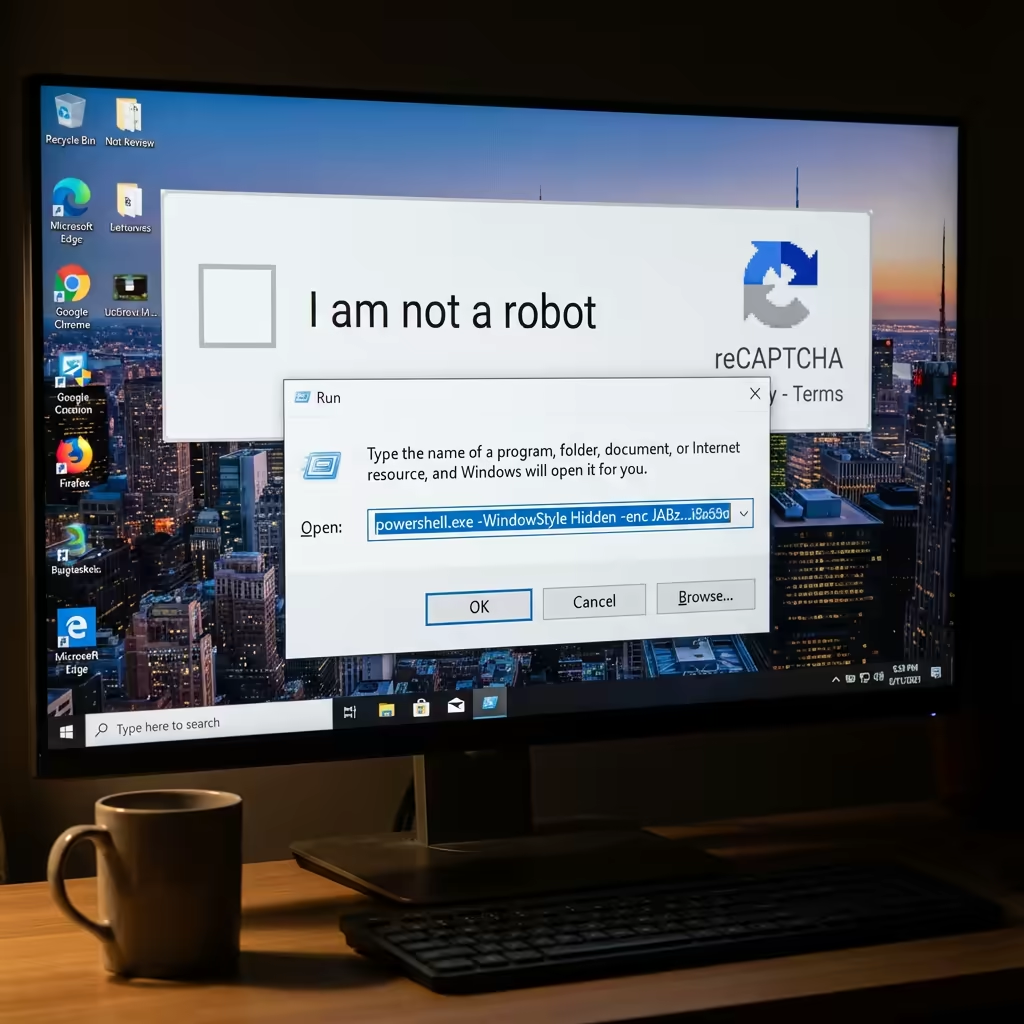
Once executed, this script runs with your user privileges. It can download and install malware like Lumma Stealer, DarkGate, or NetSupport RAT. These tools allow attackers to:
- Steal your passwords and browser cookies.
- Access your cryptocurrency wallets.
- Gain full remote control over your PC.
- Deploy ransomware encrypted your files.
Because you typed the commands (via the clipboard), some antivirus software might interpret this as a legitimate user action, allowing the malware to slip past defenses.
How to Spot and Stop ClickFix
The most important rule to remember is this:
Real captchas NEVER ask you to open the "Run" dialog or paste commands.
If a website asks you to press Win+R, Ctrl+V, or use PowerShell, it is a scam.
Red Flags:
- Instructions to use keyboard shortcuts (Win+R, Ctrl+V) instead of clicking images.
- Claims of a "Captcha Hash" that needs to be pasted.
- Urgent or broken-English text in the popup.
What to Do If You See It:
- Close the tab or browser immediately.
- Do NOT press the requested keys.
- If you think you might have pasted something, open the Run dialog (Win+R) safely and clear any text, or just restart your computer.
- Run a full scan with your antivirus software.
Protection with Green Computer Systems
At Green Computer Systems, we employ advanced defense strategies to protect our clients from these types of social engineering attacks.
Our ViridiShield Endpoint Protection is designed to detect and block malicious scripts and behavior, even if a user is tricked into running them. However, user awareness is the first line of defense.
We also monitor the health and security of your systems 24/7. Check our Uptime Status to see how we maintain reliability for our services.
If you suspect your business has been targeted by ClickFix or similar threats, or if you want to ensure your network is secure against modern social engineering attacks, please Contact Us immediately. Don't wait until it's too late.